Fillmate
Fill & sign PDF forms offline. Scan, merge, translate. No sign-up, no ads.
Get it on Google Play
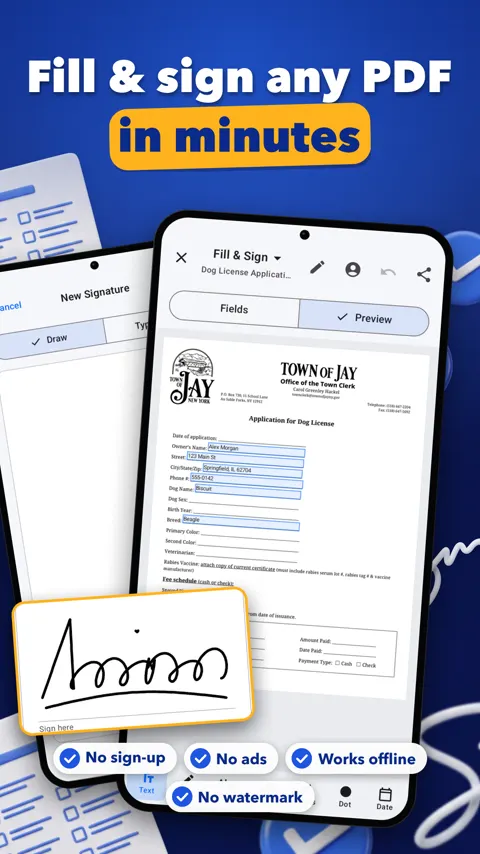
Fillmate is a PDF form filler and signer for your phone. Fill it, sign it, send it. It works offline, has no sign-up and no ads, and keeps your documents on the device. It is for anyone who gets a form as a PDF and needs to complete it without finding a printer.
Filling a form that has fields
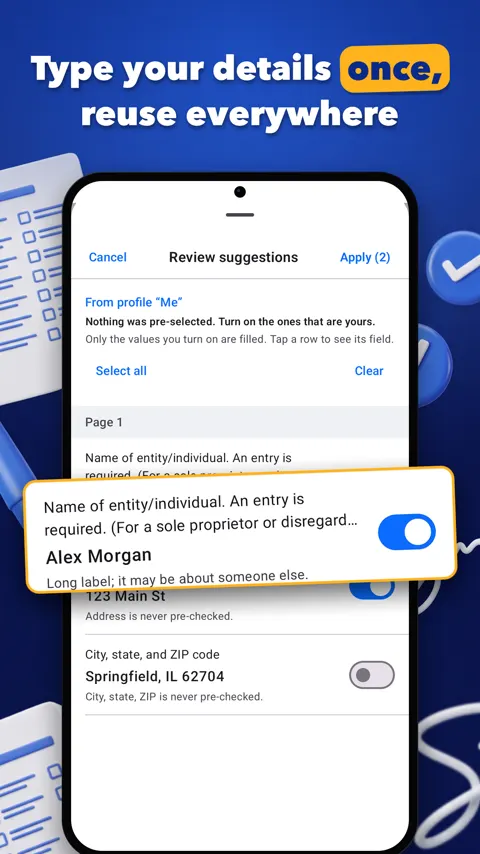
Many PDF forms have proper fields for text, checkboxes and choices. Fillmate fills these directly. You can save a profile once with your usual details, and the app proposes values for each form. You review every value before it is filled, so nothing goes in unseen. You can also write a field by hand and turn it into text.
Filling a flat or scanned form
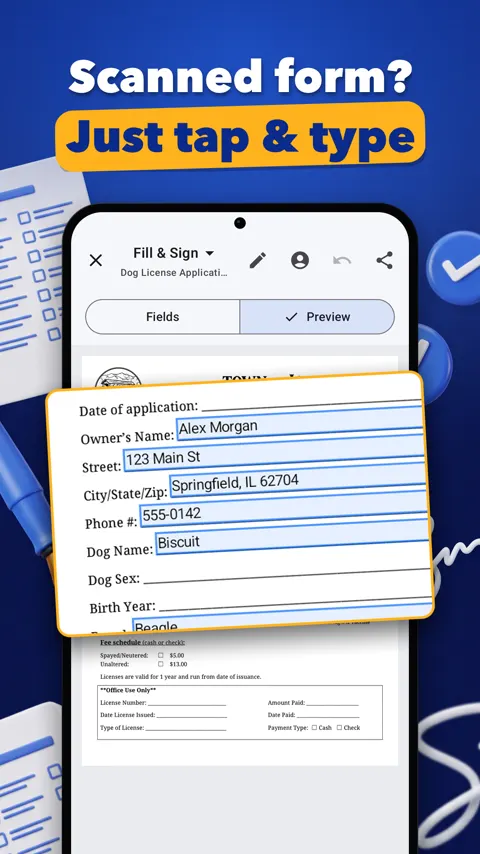
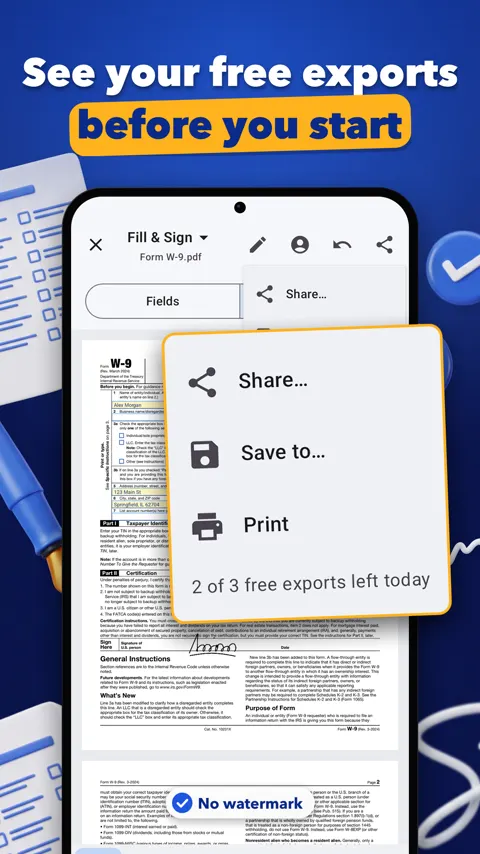
Some forms are only a picture of a page. Tap anywhere on the page and type on it. If you only have a paper form, scan it with the camera, then fill the scan.
Signing
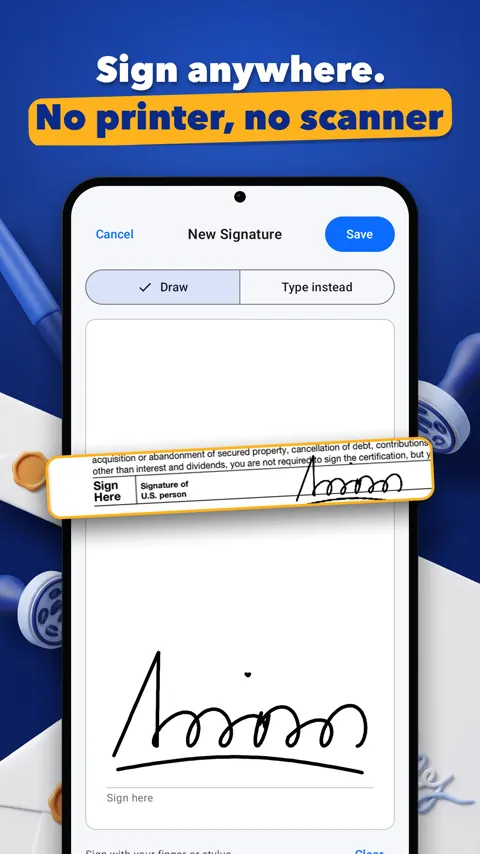
Draw or type your signature, then place and resize it on the page. You can also add notes, highlights, stamps and links, and redact text you do not want to share. Redaction is worth doing before you send a document that contains details the recipient does not need.
Rearranging and shrinking files
When a PDF needs tidying you can merge, split, reorder, rotate and delete pages. Compress a PDF when it is too large to send, and add or remove a password. You can turn images and text into a PDF, or a PDF into images, and add watermarks and page numbers.
Scanning and finding documents
Scan paper documents with your camera. Fillmate can make scans searchable by reading the text on the page, and you can find files by name and by the text inside them.
Reading and translating
Fillmate can read a PDF aloud with your phone’s voices, and translate a page or a whole document on your phone. On phones with on-device AI, such as Gemini Nano on Pixel 9 or newer and Galaxy S25 or newer, you can summarize a PDF and ask questions about it. On other phones this tool shows a short notice and everything else keeps working.
Keeping it private
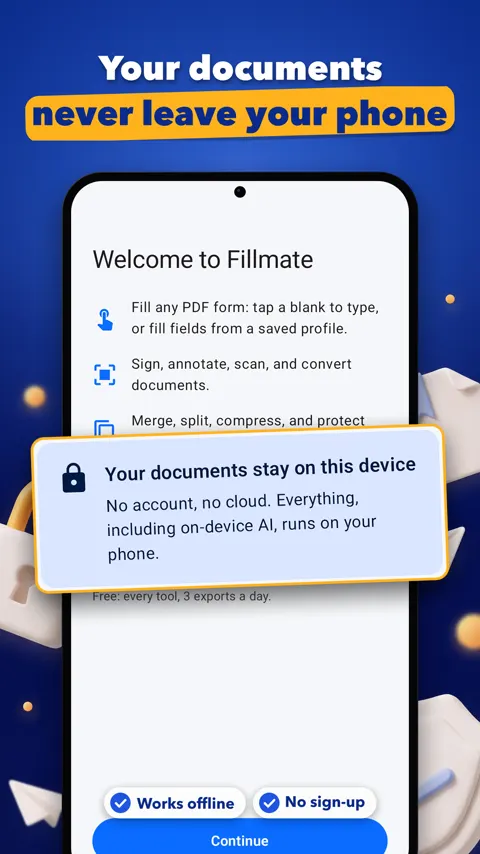
Your documents never leave the device. There is no account, no ads and no uploads. You can lock the app with your fingerprint, face or screen lock. Everything works offline, apart from a few features that download a language or AI model once.
A practical routine for a typical form: scan or open the PDF, let Fillmate propose values from your profile, check each one, place your signature, redact anything extra, compress if needed, and share.
Do my documents leave my phone?
No. Your documents never leave the device. There is no account and no uploads. Some features download a language or AI model once, such as translation, handwriting, the document scanner and on-device AI.
Can it fill a scanned or flat form?
Yes. If a form has no fields, tap anywhere on it and type.
Does the AI summary work on every phone?
No. Summaries and questions about a PDF need on-device AI such as Gemini Nano, found on phones like Pixel 9 or newer and Galaxy S25 or newer. Other phones show Not supported on this device, and every other tool works normally.
Does it work offline?
Yes. Fillmate works offline.